Customer Intake Automation Examples for Service Businesses
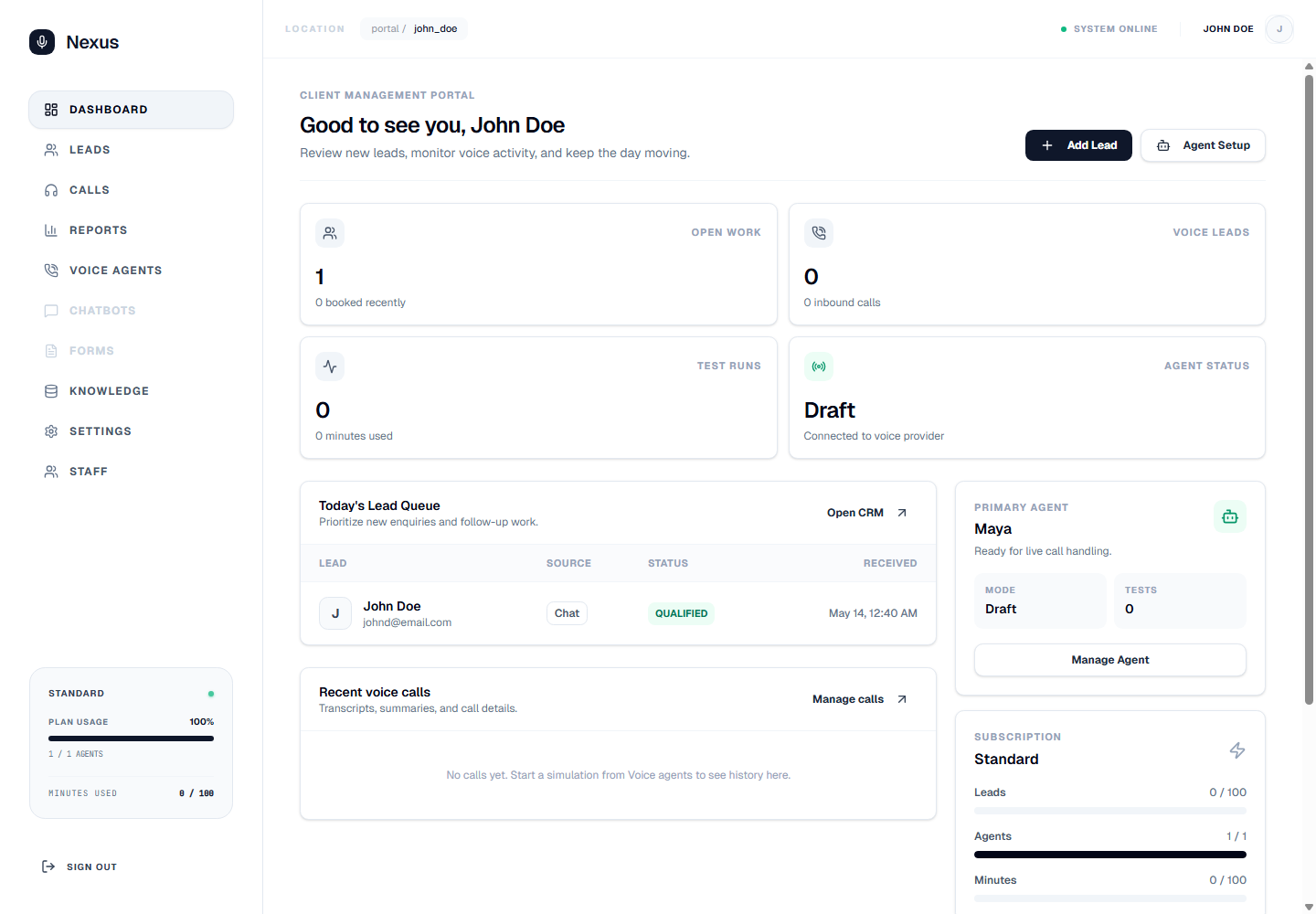
Customer intake automation works best when it turns first contact into accurate records, clear next actions, and calmer staff follow-up across the whole business workflow.
Owners, managers, and operations teams looking for practical customer intake examples because enquiries, notes, and follow-up are too manual.
customer intake automation examples
Start with the intake problem your team feels every day
Customer intake breaks down when calls, chats, forms, documents, invoice questions, and follow-up requests all arrive in different places. Staff answer what they can, write notes where they can, and later try to rebuild the customer story from memory.
The goal of automation is not to make the business sound more technical. It is to make each enquiry easier to capture, easier to understand, and easier to move into the right next action.
Example 1: missed call capture with prepared callback context
A service business might miss calls during site visits, clinic sessions, busy reception periods, or after hours. Instead of leaving the caller at voicemail, the intake workflow can acknowledge the enquiry, collect contact details, capture why they called, and ask when they want a callback.
The useful outcome is a staff-ready record: caller, reason, urgency, service type, preferred response time, and a suggested next step. That gives the team a cleaner callback queue without hiring another person just to watch the phone.
Example 2: website chat and forms that create usable CRM records
Many websites collect messages but do not create an operational workflow. A stronger setup connects chat and forms to CRM fields such as enquiry source, service interest, urgency, location, budget range, document needs, and owner.
When the customer reaches the team, staff should already know what was asked and what needs to happen next. That reduces repeated questions and helps sales, reception, and operations work from the same record.
Example 3: document intake that keeps follow-up from stalling
Document-heavy businesses often lose time chasing IDs, agreements, forms, policy details, compliance files, or project information. Intake automation can record which documents are required, what has been received, and which customer follow-up is still open.
This is where accuracy matters. Summaries, extracted fields, reminders, and staff review points keep document chasing visible instead of buried in email threads or private notes.
Example 4: invoice questions routed with customer history
Invoice follow-up becomes inefficient when a customer asks about payment, scope, due dates, or a missing document and staff have to search across systems before responding.
A connected intake workflow can attach the question to the customer record, invoice context, previous conversations, and the next follow-up task. The business gets a clearer path from question to resolution without adding more admin pressure.
Example 5: repeat enquiries turned into a consistent handoff
Routine enquiries still need care. Appointment requests, quote requests, valuation calls, consultation interest, support questions, and onboarding questions all need different information before staff can act well.
Nexus helps define those intake paths around the business profile: what to ask, what to record, when to escalate, and how the next action should appear for staff. The result is not just a captured enquiry; it is a clearer workflow from first contact to follow-up.
How to choose the first workflow to automate
Start where delay or inconsistency creates the biggest business cost. For many teams that means missed calls, poor lead capture, slow callbacks, repeated document chasing, or invoice questions that interrupt staff throughout the day.
The best first workflow is narrow enough to launch quickly and important enough to relieve real operating pressure. Once the business can see cleaner records and faster follow-up in one area, the same model can extend across calls, chat, forms, documents, invoices, CRM, and reminders.
What business problem does customer intake automation solve?
It helps businesses capture enquiries accurately, reduce scattered notes, and prepare follow-up so staff can act faster without rebuilding the customer story manually.
How does Nexus help staff handle intake with less manual admin?
Nexus connects calls, chats, forms, documents, invoices, CRM records, and follow-up tasks so staff receive structured context instead of disconnected messages.
What information is captured for follow-up?
Useful intake records often include customer details, enquiry type, urgency, source, service need, document or invoice context, preferred contact time, and the next action.
Are there privacy, consent, or regulated-use considerations?
Yes. Businesses should review consent, recording, data retention, staff review, and escalation rules, especially in clinics, legal, finance, education, and other sensitive sectors.